Download
Get Corvi for macOS.
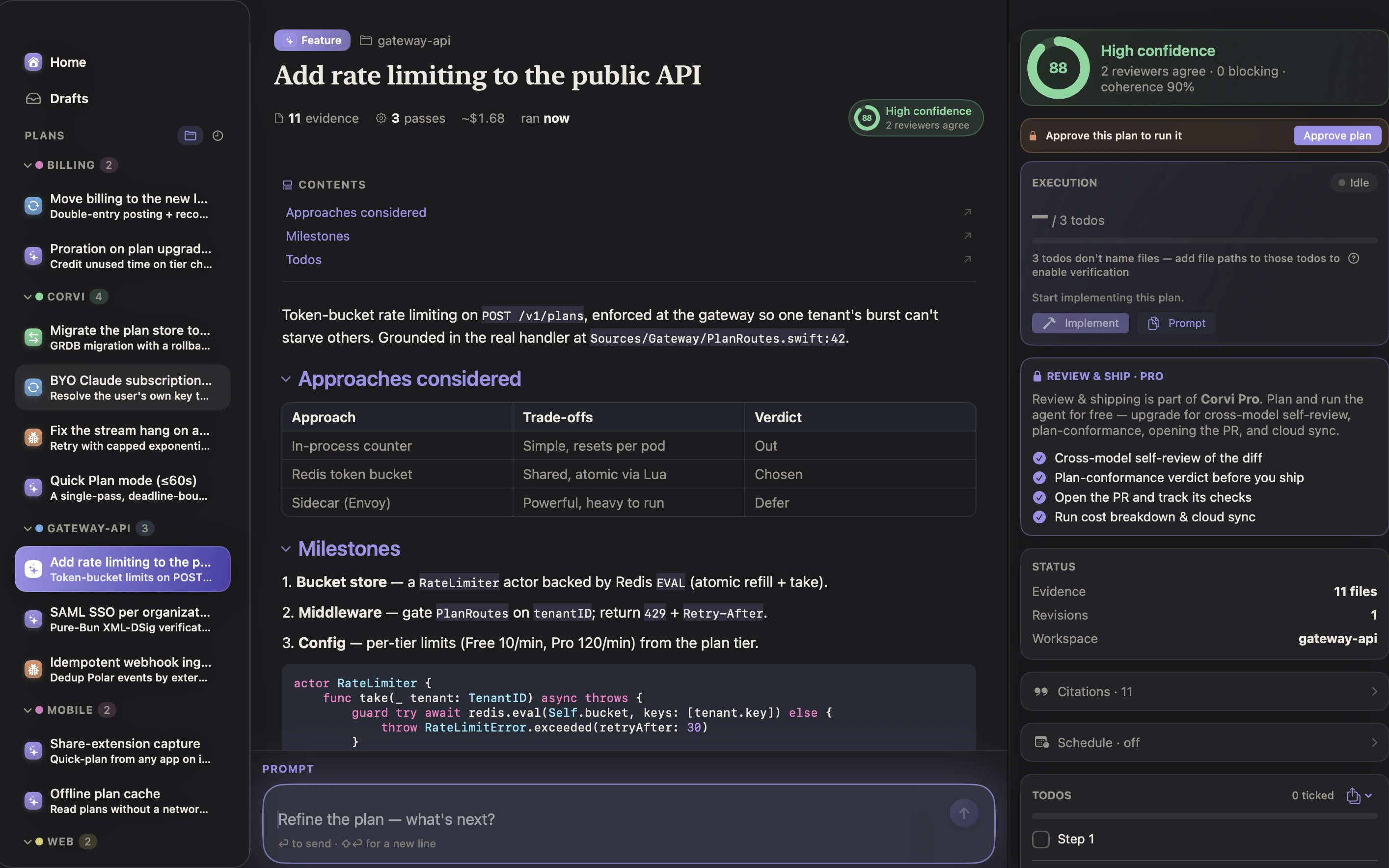
A native app, local-first by design. Download, drag to Applications, add a model key, and your first code-grounded plan is minutes away.

Corvi 0.1.0 beta
Apple silicon & Intel · macOS 15+ · Bring your own model keys · Nothing leaves your machine by default.
Beta note: this build is signed but not yet notarized with Apple, so the first launch needs right-click → Open instead of a double-click. Notarized builds (and in-app updates) are on the way — the /dl/appcast.xml feed is already live for them.
Up and running in five steps
Download & unzip
Grab the zip below — Safari unzips it automatically; elsewhere, double-click the archive.
Drag Corvi to Applications
Standard Mac install. No installer, no admin password, nothing outside the app bundle.
First launch: right-click → Open
The beta isn't notarized yet, so macOS asks once. Right-click (or Control-click) Corvi.app and choose Open, then Open again in the dialog. Only needed the first time.
Add a model key
Corvi is bring-your-own-model: paste an Anthropic, OpenAI, or OpenRouter key in Settings — or run fully offline with Ollama. Keys stay on your Mac.
Point it at a repo and plan
Open a workspace, describe the change in a sentence, and watch the multi-model engine draft, review, and synthesise a code-grounded plan.
Prefer the terminal?
The app bundles the corvi CLI — headless plan generation for scripts, CI, and agents. See the docs.